
Investigate metric discrepancies
Use this when a customer says Jericho campaign metrics do not match across dashboard tiles, CSV exports, or reports.
Common causes
Section titled “Common causes”- Clicked and Entered Info are different events.
- Enter-info campaigns count submitted data differently than simple click campaigns.
- CSV exports may exclude discarded or test-run campaigns depending on the report.
- Security scanners may inflate click counts.
- A report may have been generated before a background sync completed.
- Open ActiveAdmin.
- Confirm the customer organization.
- Confirm the exact campaign.
- Ask which two numbers the customer is comparing.
- Check whether the campaign is an enter-info campaign.
- Review whether the discrepancy is about:
- Clicked count.
- Entered Info count.
- Submitted training.
- Opened email.
- Reported email.
- CSV row count.
- If the campaign is enter-info, explain that Clicked and Entered Info are separate behaviors.
- If scanner behavior is suspected, follow Classify click false positives.
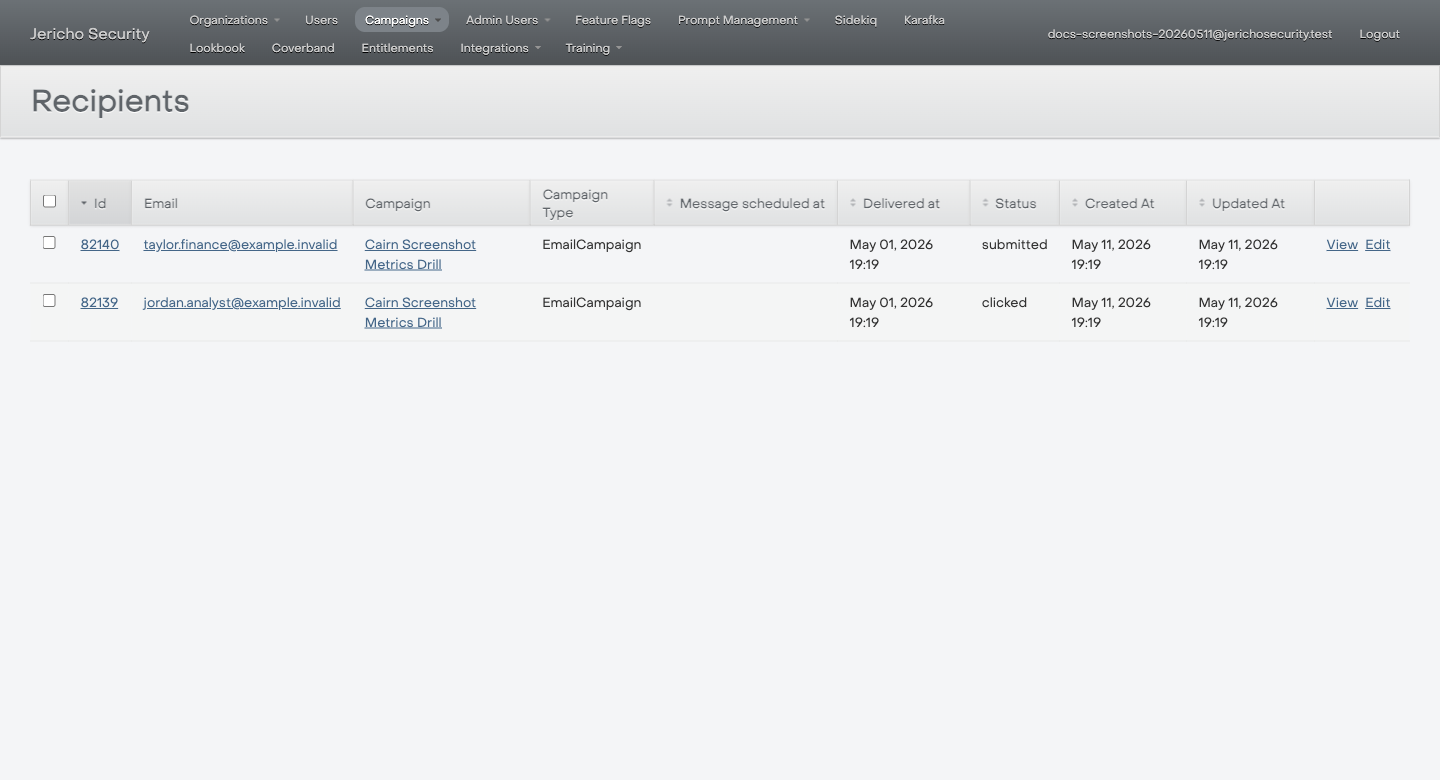
Use the Campaign, Delivered at, and Status columns to anchor the metric conversation before comparing dashboard or CSV numbers.
Expected result
Section titled “Expected result”You can identify which metric definitions differ and whether the discrepancy is expected behavior.
Escalate when
Section titled “Escalate when”- ActiveAdmin and the customer-facing report disagree for the same metric definition.
- The customer needs a corrected official report.
- The discrepancy affects a board/executive deliverable.