
Check customer-visible feature access
Use this when a release note says a feature shipped but a customer cannot see it.
Access boundary
Section titled “Access boundary”Operators can only check what ActiveAdmin exposes. If feature flag state is not visible there, escalate to Jericho engineering.
- Open ActiveAdmin.
- Find the customer organization.
- Look for visible organization settings, entitlements, or integration state related to the feature.
- Check whether the customer is in the known rollout group, if that information is visible.
- Record exactly what ActiveAdmin shows.
- Do not promise the feature can be enabled until engineering/product confirms.
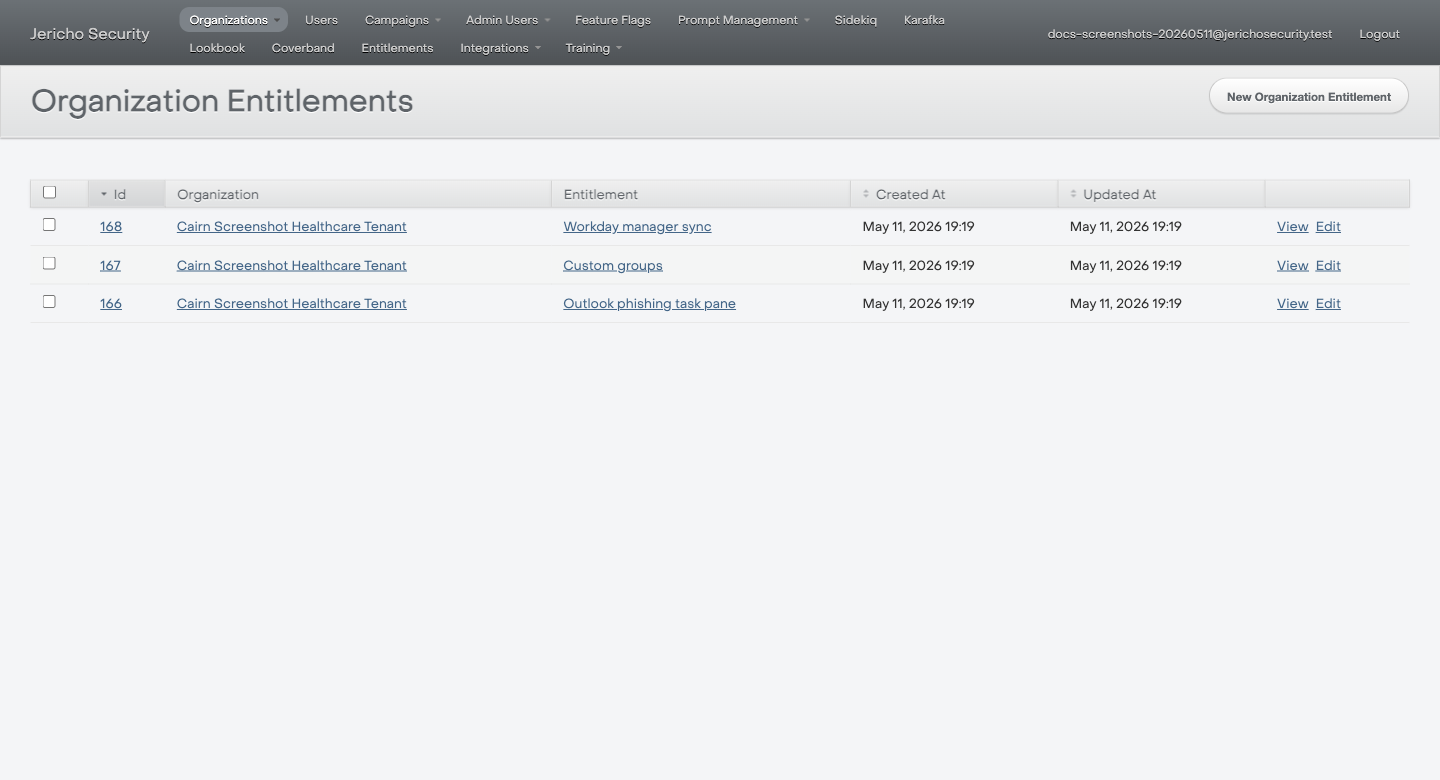
When entitlement state is visible, record the exact Organization and Entitlement rows. If the feature only exists in feature flags, escalate instead of guessing.
Customer-safe language
Section titled “Customer-safe language”Use:
This feature has shipped but may be enabled only for selected organizations. We are checking whether it is enabled for your tenant.
Escalate when
Section titled “Escalate when”- Feature flag state is not visible in ActiveAdmin.
- The customer should have access but does not.
- The customer asks for enablement.