
Check Slack integration status
Use this when a customer asks for Slack integration status.
Before you begin
Section titled “Before you begin”Clarify what the customer means by “Slack integration”:
- Slack notifications.
- Slack training reminders.
- Slack report button or reporting workflow.
- A custom/customer-specific Slack workflow.
- Open ActiveAdmin.
- Find the customer organization.
- Look for any organization integration/settings page that shows Slack status.
- If the question is about user-level Slack sync, search for the employee and record visible Slack fields.
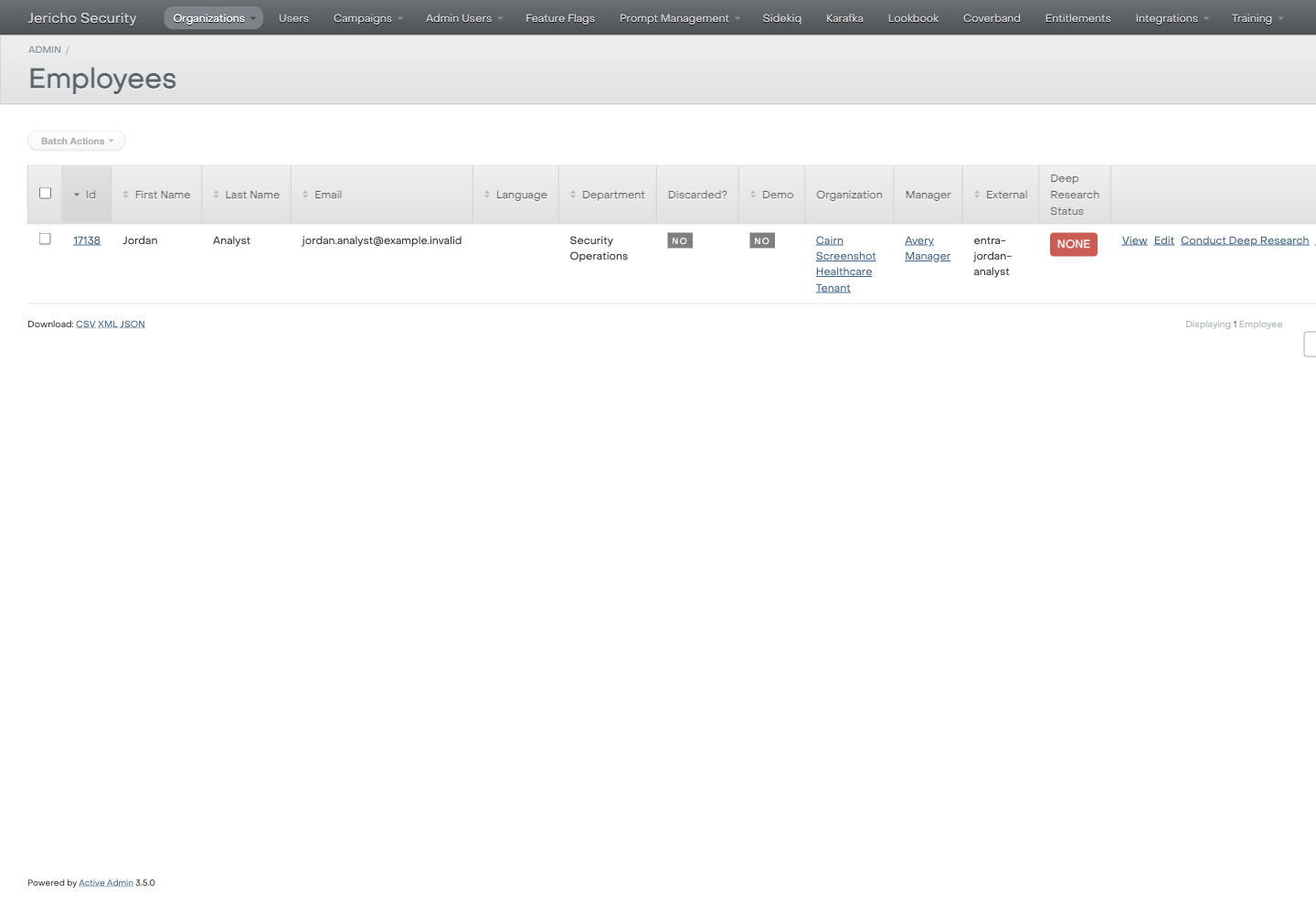
- Record what is visible:
- Enabled or disabled.
- Workspace/team name, if shown.
- Last sync or last delivery state, if shown.
- Error message, if shown.
- If Slack state is not visible in ActiveAdmin, do not infer status.
- Ask the customer for a screenshot of the Slack-side installation or error if needed.
Expected result
Section titled “Expected result”You have enough evidence to answer whether support can see Slack integration state.
Escalate when
Section titled “Escalate when”- Slack state is not visible in ActiveAdmin.
- The customer reports Slack-side errors.
- You need Slack OAuth scopes, logs, webhook payloads, or installation metadata.