
Verify SCIM to Litmos profile fields
Use this when a customer expects SCIM profile fields to appear in Litmos.
Fields customers may ask about
Section titled “Fields customers may ask about”- City.
- State.
- Street address.
- Department.
- Division.
- Office.
- Postal code.
- Custom fields.
- Open ActiveAdmin.
- Confirm the user belongs to the correct Jericho organization.
- Check which profile fields are visible in ActiveAdmin.
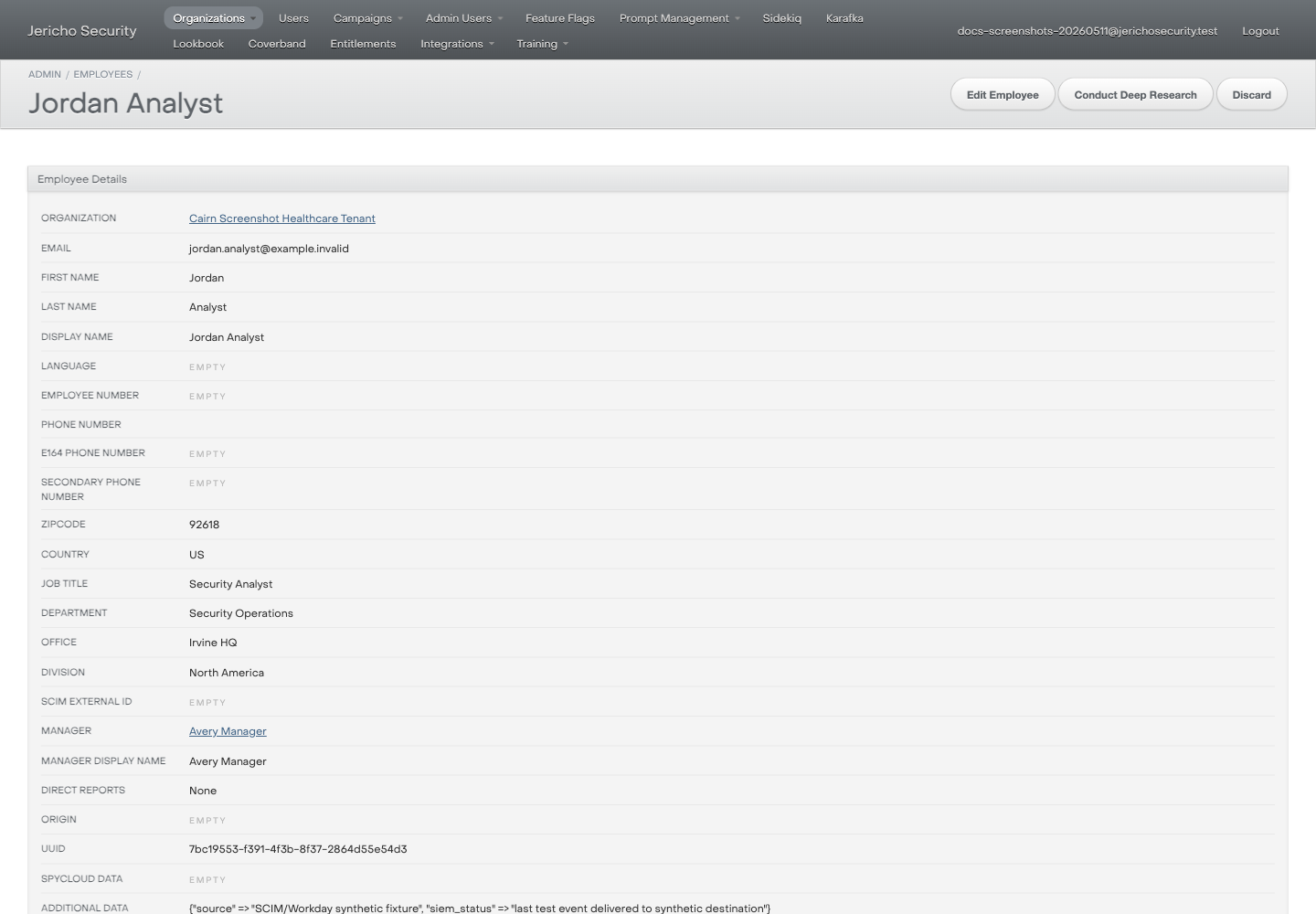
- Open Litmos admin.
- Search for the user by email.
- Compare Litmos profile fields with the customer-provided expected values.
- Note which fields match and which do not.
Expected result
Section titled “Expected result”You can identify whether the mismatch is visible in ActiveAdmin, Litmos, or both.
Escalate when
Section titled “Escalate when”- Fields exist in ActiveAdmin but not Litmos after the expected sync window.
- A field is not visible in either operator surface.
- The customer needs exact SCIM mapping behavior.
- You need raw SCIM payloads or job logs.